
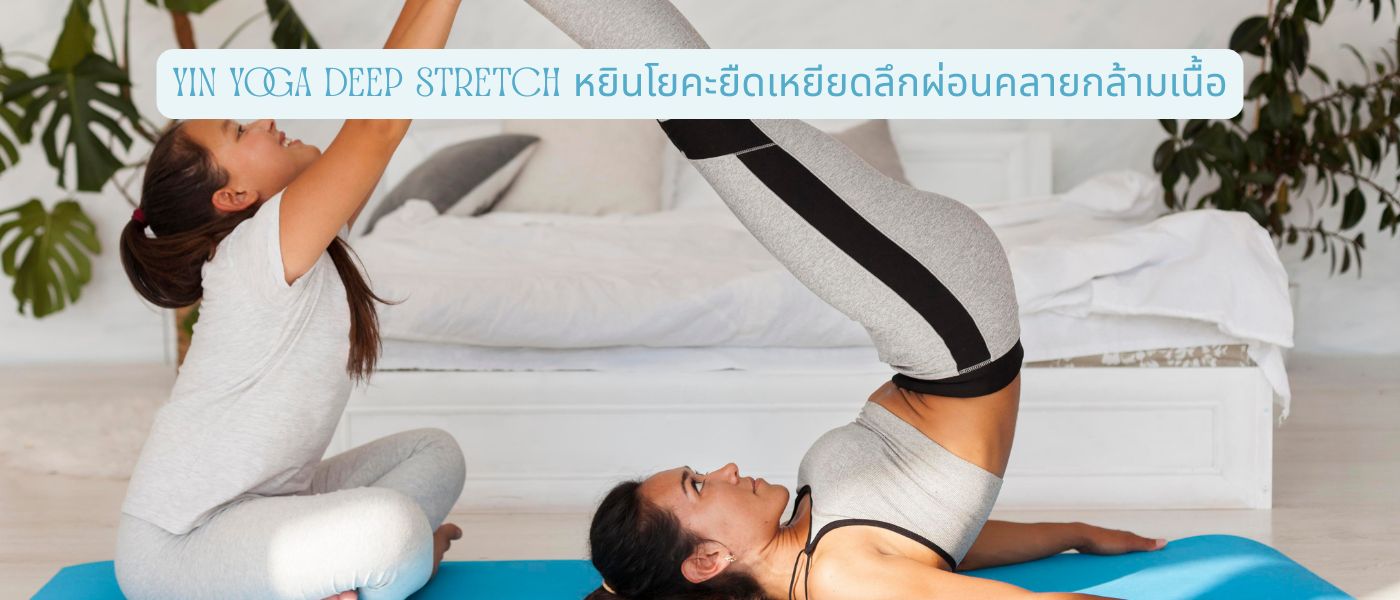
หยินโยคะคืออะไร? รู้จักโยคะสายผ่อนคลายที่เน้นยืดเหยียดลึก
หยินโยคะเป็นโยคะสายที่นิ่งและช้าที่สุด ในบรรดาโยคะทุกสาย เน้นการค้างท่าในจุดเดียวเป็นเวลานาน 3-5 นาที หรือบางครั้งนานถึง 7 นาที แทนที่จะเคลื่อนไหวต่อเนื่องเหมือนโยคะวินยาสะ หรือ Ashtanga
ที่มาและแนวคิดของหยินโยคะ
หยินโยคะพัฒนาขึ้นในยุค 1970 โดย Paulie Zink ครูศิลปะการต่อสู้และเต๋า ก่อนถูกขยายต่อโดย Paul Grilley และ Sarah Powers ที่นำแนวคิด “หยิน-หยาง” จากปรัชญาจีนมาประยุกต์ใช้
แนวคิดหยินคือสิ่งที่นิ่ง เย็น ลึก และอยู่ภายใน ในขณะที่หยางคือสิ่งที่เคลื่อนไหว ร้อน ผิวเผิน และอยู่ภายนอก หยินโยคะ จึงไม่ใช่การฝึกเพื่อสร้างกล้ามเนื้อ หรือเหงื่อท่วม แต่เพื่อเข้าถึงพื้นที่ที่โยคะแบบเคลื่อนไหวเข้าไม่ถึง
ความแตกต่างระหว่างหยินโยคะกับโยคะทั่วไป
โยคะทั่วไปอย่างวินยาสะหรือฮาธา จะเน้นการเคลื่อนไหวต่อเนื่อง สร้างความแข็งแรงให้กล้ามเนื้อ และค้างท่าเพียง 30 วินาทีถึง 1 นาที ส่วนหยินโยคะนั้นต่างออกไปอย่างชัดเจน
ไม่มีการกระตุ้นกล้ามเนื้อ ไม่มีการหายใจแบบเร่ง แต่ผู้ฝึกจะปล่อยให้น้ำหนักตัวค่อยๆ จมลงในท่า เพื่อให้แรงดึงไปถึงเนื้อเยื่อพังผืด เอ็น และข้อต่อ ซึ่งเป็นชั้นที่กล้ามเนื้อยึดหดไม่ได้
หัวใจของการฝึก “ค้างท่านาน” เพื่อเข้าถึงเนื้อเยื่อชั้นลึก
หลักการ “ค้างท่านาน 3-5 นาที” ฟังดูง่ายแต่ทำจริงไม่ง่ายเลย ในช่วง 1-2 นาทีแรก ร่างกายจะรู้สึกตึง อึดอัด หรือบางครั้งก็เจ็บเล็กน้อย แต่หลังนาทีที่ 3 เป็นต้นไป เนื้อเยื่อจะเริ่มผ่อนคลายและยอม “ปล่อย” ออกมา นี่คือจุดที่การยืดเหยียดลึกเกิดขึ้นจริง และเป็นเหตุผลว่า ทำไมหยินโยคะถึงให้ผลลัพธ์ที่ต่างจากการยืดเหยียดทั่วไป
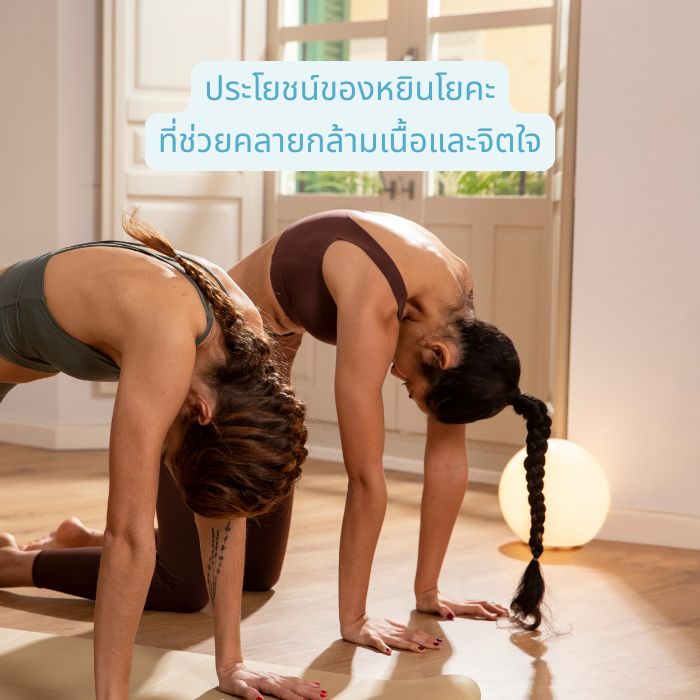
คลายกล้ามเนื้อมัดลึกและเนื้อเยื่อพังผืด
พังผืดหรือ Fascia คือเนื้อเยื่อบางๆ ที่ห่อหุ้มกล้ามเนื้อ อวัยวะ และเส้นเลือดทั่วร่างกาย เมื่อร่างกายอยู่ในท่าเดิมนานๆ พังผืดจะเริ่มเกาะติดและสูญเสียความยืดหยุ่น
การค้างท่านิ่งๆ นาน 3-5 นาทีในหยินโยคะ จะช่วยกระตุ้นให้พังผืดคลายตัว และกลับมาเลื่อนไหลตามธรรมชาติ ซึ่งเป็นสิ่งที่การยืดเหยียดสั้นๆ ไม่สามารถทำได้
เพิ่มความยืดหยุ่นของข้อต่อและกระดูกสันหลัง
ผู้ที่นั่งทำงานนานๆ มักมีปัญหาสะโพกแข็ง หลังล่างเกร็ง และคอตึง การฝึกเป็นประจำ จะช่วยเพิ่มช่วงการเคลื่อนไหวของข้อต่อ (Range of Motion) ทำให้กระดูกสันหลังมีช่องว่างมากขึ้น
หลายคนที่ฝึกต่อเนื่อง 4-8 สัปดาห์ มักรายงานว่า อาการปวดหลังเรื้อรังลดลงอย่างเห็นได้ชัด นอนหลับได้ลึกขึ้น และตื่นมารู้สึกสดชื่นกว่าเดิม
ลดความเครียดและช่วยให้ระบบประสาทพาราซิมพาเทติกทำงาน
นอกจากประโยชน์ทางกาย หยินโยคะ ยังช่วยกระตุ้นระบบประสาทอัตโนมัติ ส่วนพาราซิมพาเทติก (Parasympathetic Nervous System) หรือระบบ “พักผ่อนและฟื้นฟู”
เมื่อค้างท่าและหายใจช้าๆ ฮอร์โมนคอร์ติซอลที่เกี่ยวข้องกับความเครียดจะลดลง ส่วนเซโรโทนินที่ทำให้รู้สึกสงบจะเพิ่มขึ้น ผลที่ได้คือจิตใจนิ่งขึ้น สมาธิดีขึ้น และความวิตกกังวลที่บรรเทาลง
5 ท่า Deep Stretch ในหยินโยคะที่ช่วยยืดเหยียดได้ถึงจุด
5 ท่าต่อไปนี้ เป็นพื้นฐานที่ครูส่วนใหญ่จะแนะนำให้มือใหม่ลองก่อน เพราะปลอดภัย ทำตามง่าย และเห็นผลชัดเจน
ท่า Butterfly Pose – ยืดสะโพกและต้นขาด้านใน
นั่งบนเสื่อ งอเข่าทั้งสองข้างให้ฝ่าเท้าประกบกัน ปล่อยเข่าตกลงข้างลำตัวอย่างเป็นธรรมชาติ ค่อยๆ ก้มตัวลงด้านหน้าโดยไม่ฝืน ค้างไว้ 3-5 นาที ท่านี้เหมาะมากสำหรับคนที่นั่งทำงานนานๆ จนสะโพกแข็ง
ท่า Sphinx Pose – คลายกล้ามเนื้อหลังส่วนล่าง
นอนคว่ำ ตั้งศอกขึ้นใต้ไหล่ ให้ปลายแขนวางราบกับพื้น ยกอกขึ้นเล็กน้อยให้รู้สึกถึงการแอ่นหลังเบาๆ ค้างไว้ 3-5 นาที ท่านี้ ช่วยฟื้นฟูส่วนโค้งธรรมชาติของหลังล่าง (Lumbar Curve) ที่มักหายไปจากการนั่งหลังค่อม
ท่า Dragon Pose – เปิดสะโพกและขาหนีบ
ก้าวขาขวาไปด้านหน้าทำท่าโลว์ลันจ์ วางเข่าซ้ายกับพื้น ค่อยๆ ดันสะโพกไปด้านหน้าให้รู้สึกถึงการยืดที่ขาหนีบ และต้นขาด้านหน้าของขาหลัง ค้างไว้ 3-5 นาทีต่อข้าง ท่านี้ลึกและท้าทาย แต่ให้ผลในการเปิดสะโพกได้ดีที่สุดท่าหนึ่ง
ท่า Caterpillar Pose – ยืดเหยียดแนวกระดูกสันหลัง
นั่งเหยียดขาตรงไปด้านหน้า ก้มตัวลง โดยปล่อยให้หลังโค้งงอตามธรรมชาติ (ไม่ใช่หลังตรงแบบ Forward Fold ทั่วไป) ค้างไว้ 3-5 นาที ท่านี้ยืดเหยียดเส้นพลังด้านหลังร่างกาย ตั้งแต่ส้นเท้าจนถึงคอ ช่วยคลายความตึงสะสมจากการนั่ง
ท่า Child’s Pose – ผ่อนคลายไหล่ คอ และหลัง
คุกเข่าลง แยกเข่าออกกว้างเท่าสะโพก ก้มตัวลงให้หน้าผากแตะพื้น เหยียดแขนไปด้านหน้า หรือวางไว้ข้างลำตัว ค้างไว้ 3-5 นาที ท่านี้เป็นท่าฟื้นฟูที่ดีมาก ใช้เป็นท่าจบคลาสหรือท่าพักระหว่างฝึกก็ได้
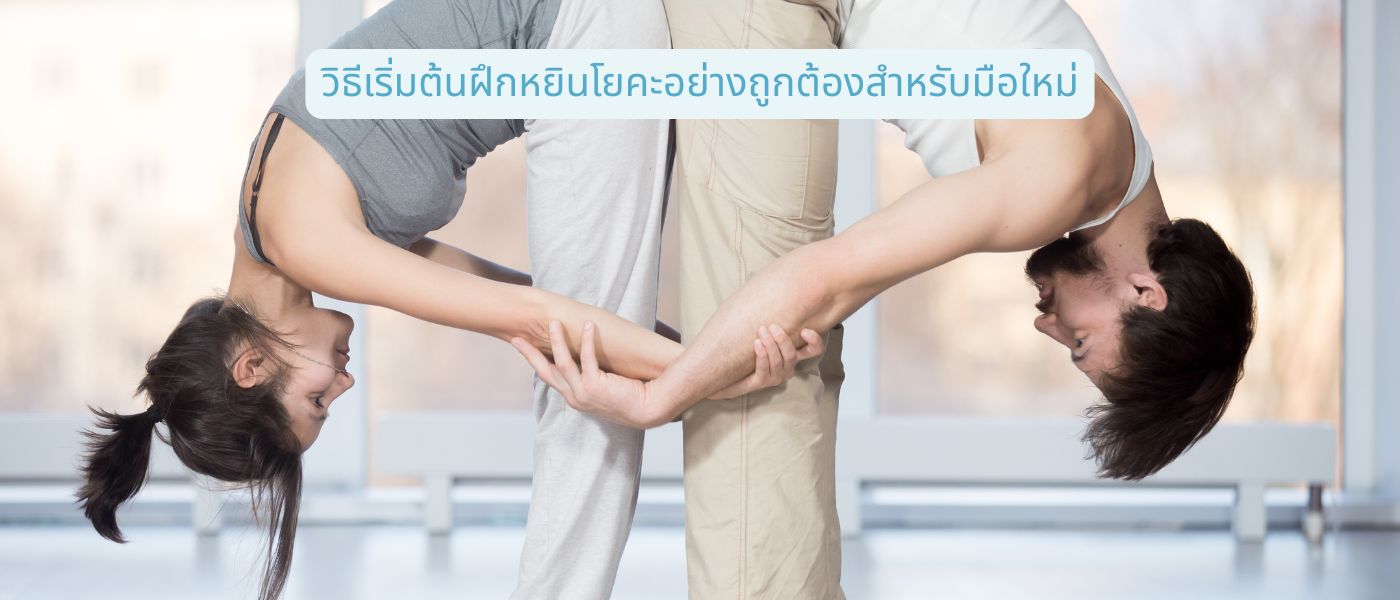
อุปกรณ์ที่ควรเตรียมก่อนเข้าคลาส
อุปกรณ์พื้นฐานคือเสื่อโยคะที่หนาพอ (4-6 มม.) บอลสเตอร์ หรือหมอนยาวสำหรับรองรับร่างกาย บล็อกโยคะ 1-2 ก้อน และผ้าห่มสำหรับรองเข่าหรือสะโพก
อุปกรณ์เหล่านี้ไม่ใช่เครื่องประดับ แต่เป็นเครื่องมือช่วยให้ค้างท่านานๆ ได้โดยไม่บาดเจ็บ ครูที่ดีจะแนะนำให้ใช้อย่างเหมาะสมในแต่ละท่า
หลักการค้างท่าให้ได้ผลและไม่บาดเจ็บ
หลักสำคัญ 3 ข้อที่ต้องจำให้ขึ้นใจ ข้อแรกคือ “เข้าท่าจนรู้สึกถึงการยืดที่เหมาะสม” ไม่ใช่ลึกที่สุดเท่าที่ทำได้ ระดับความรู้สึกควรอยู่ที่ 5-6 จาก 10 เท่านั้น
ข้อสองคือ “นิ่งและหายใจช้า” อย่าขยับ อย่าเด้ง ปล่อยให้แรงโน้มถ่วงทำงานแทน ข้อสามคือ “ออกจากท่าอย่างช้าๆ” เพราะเนื้อเยื่อที่เพิ่งคลายตัวยังอ่อนไหวอยู่
ความถี่และระยะเวลาที่เหมาะสมในการฝึกต่อสัปดาห์
มือใหม่แนะนำให้เริ่มที่ 2-3 ครั้งต่อสัปดาห์ ครั้งละ 30-45 นาที โดยฝึกในช่วงเย็นหรือก่อนนอนจะดีที่สุด เพราะร่างกายอุ่นจากกิจวัตรประจำวันแล้ว และความผ่อนคลายจะช่วยให้นอนหลับลึกขึ้น
เมื่อร่างกายเริ่มคุ้นเคย สามารถเพิ่มเป็น 4-5 ครั้งต่อสัปดาห์ หรือฝึกทุกวันก็ได้ เพราะการฝึกแบบนี้ไม่ทำให้กล้ามเนื้ออ่อนล้า เหมือนการออกกำลังกายแบบหยาง
ข้อควรระวังก่อนฝึกหยินโยคะยืดเหยียดลึก
แม้ว่าหยินโยคะจะเป็นการฝึกที่ดูอ่อนโยน แต่ก็มีข้อควรระวังที่ผู้ฝึกควรรู้ เพื่อหลีกเลี่ยงการบาดเจ็บที่อาจเกิดขึ้น จากการค้างท่านานเกินไป
สัญญาณเตือนที่ควรหยุดทำท่าทันที
ความรู้สึก “ตึง” หรือ “ยืด” เป็นเรื่องปกติในการฝึก แต่ถ้าเกิดอาการ “เจ็บแหลม” “ชา” “แสบร้อน” หรือ “ปวดร้าวลึกที่ข้อ” ให้ออกจากท่าทันที
อาการเหล่านี้ เป็นสัญญาณว่าร่างกายกำลังตึงเกินขีดจำกัดของเนื้อเยื่อ หากฝืนต่อไปอาจเกิดการบาดเจ็บที่เอ็นหรือข้อต่อ ซึ่งใช้เวลาฟื้นฟูนานกว่าการเจ็บกล้ามเนื้อทั่วไป
กลุ่มที่ควรปรึกษาแพทย์หรือครูผู้สอนก่อนเริ่มฝึก
ผู้ที่มีอาการหมอนรองกระดูกเคลื่อน ปัญหากระดูกสันหลัง โรคข้อ หรือเคยผ่าตัดในบริเวณที่ต้องยืดเหยียด ควรปรึกษาแพทย์ก่อน
🤰 หญิงตั้งครรภ์ ผู้ที่มีความดันโลหิตสูง หรือมีอาการอักเสบเฉียบพลัน ควรแจ้งครูล่วงหน้า เพื่อปรับท่าให้เหมาะสมกับสภาพร่างกาย ความปลอดภัยมาก่อนเสมอ
คำถามที่พบบ่อยเกี่ยวกับหยินโยคะ (FAQ)
หยินโยคะเหมาะกับคนตัวแข็งหรือเคยฝึกโยคะมาก่อนหรือไม่?
เหมาะกับทั้งสองกลุ่มจริงๆ คนตัวแข็งจะได้ประโยชน์มากเป็นพิเศษ เพราะการค้างท่านานช่วยให้เนื้อเยื่อค่อยๆ คลายตัว ไม่ต้องฝืนเหมือนโยคะแบบเคลื่อนไหว ส่วนคนที่เคยฝึกโยคะมาก่อน จะได้สัมผัสการยืดเหยียดในมิติใหม่ที่ลึกกว่าเดิม โดยเฉพาะบริเวณสะโพกและหลังล่างที่โยคะแบบหยาง มักเข้าไม่ถึง
ฝึกหยินโยคะแล้วช่วยลดน้ำหนักได้หรือไม่?
หยินโยคะไม่ใช่การออกกำลังกาย เพื่อเผาผลาญแคลอรี ดังนั้นจึงไม่ได้ช่วยลดน้ำหนักโดยตรง แต่ช่วยลดความเครียดและปรับสมดุลฮอร์โมน ซึ่งเป็นปัจจัยทางอ้อมที่ส่งผลให้ระบบเผาผลาญทำงานดีขึ้น สำหรับการลดน้ำหนัก ควรผสมผสานกับการออกกำลังกายแบบคาร์ดิโอ และการควบคุมอาหารควบคู่กันไป
ฝึกหยินโยคะที่บ้านได้ไหม หรือต้องเข้าคลาสกับครู?
มือใหม่แนะนำให้เริ่มกับครูที่มีประสบการณ์อย่างน้อย 4-6 ครั้งก่อน เพื่อเรียนรู้การจัดท่าและการใช้อุปกรณ์ช่วยอย่างถูกต้อง เมื่อเข้าใจหลักการแล้วจึงค่อยฝึกที่บ้าน การฝึกที่บ้านมีข้อดีคือ ยืดหยุ่นเรื่องเวลาและทำในบรรยากาศที่คุ้นเคย แต่ต้องระวังเรื่องการเข้าท่าให้ถูกต้อง และไม่ฝืนเกินไป